Elementor Pro v4.1.1 delivers and the broader feature ecosystem it sits within is essential to getting the most out of the platform.
Elementor Pro has long been one of the most powerful visual website builders available for WordPress. With the release of version 4.1.1 on June 8, 2026, Elementor continues to build on the ambitious architectural overhaul introduced in version 4.0, refining its Atomic Editor system and addressing important stability issues that affect everyday workflows. Whether you are a seasoned web designer, a developer managing client projects, or a business owner building your first site, understanding what Elementor Pro v4.1.1 delivers and the broader feature ecosystem it sits within is essential to getting the most out of the platform.
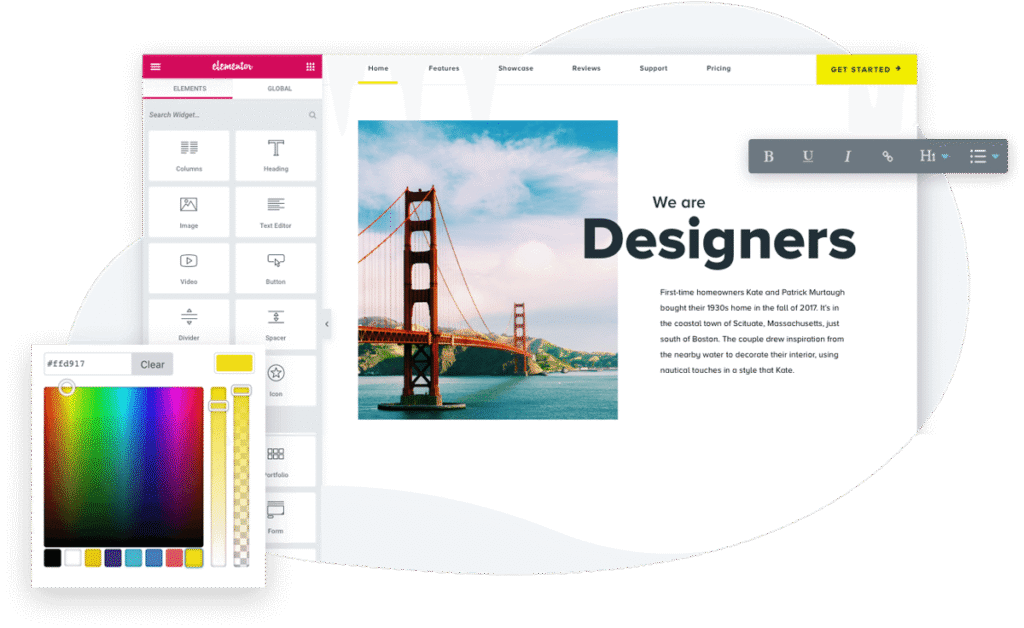
This article covers the specific fixes introduced in v4.1.1, the broader feature set introduced across the version 4 cycle, and all the major capabilities that define Elementor Pro today.
What’s New in Elementor Pro v4.1.1
Released on June 8, 2026, version 4.1.1 is a focused maintenance release that resolves three specific bugs that were affecting the Search widget, the Lottie widget, and the Taxonomy Filter functionality. While it does not introduce brand-new features, its fixes address real-world usability pain points that users encountered after upgrading to version 4.1.0.
Search Widget: Live Results Item Count Fix
One of the regressions corrected in v4.1.1 concerns the Search widget’s Live Results feature. Prior to this fix, the item count displayed in live search results was not applying correctly across Tablet and Mobile breakpoints. Users who designed their search interfaces to show a specific number of results on smaller screens would have seen incorrect counts, creating a disjointed browsing experience for mobile visitors. This patch brings responsive consistency back to the widget, ensuring that the item count respects device-specific settings across all breakpoints.
Lottie Widget: Default Animation Fix for Logged-Out Users
The Lottie widget received an important correction that specifically affects scenarios where an ACF URL dynamic tag is used to source the animation file. Before this fix, a default animation would incorrectly appear for users who were not logged in. This was a particularly disruptive issue for sites that rely on dynamic Lottie animations tied to custom field data, because it meant that the intended animation experience was broken for the majority of public-facing visitors. The fix ensures that the correct animation loads for all users, regardless of their login status.
Taxonomy Filter and Loop Grid Current Query Fix
The third fix in this release addresses an error that appeared when combining the Taxonomy Filter widget with a Loop Grid that was set to use the Current Query as its data source. Under certain conditions, users would encounter a “Something went wrong” error, preventing the filtered dynamic content from rendering correctly. This is a significant fix for anyone building archive-style pages, blog indexes, or dynamic product listings that rely on both the Taxonomy Filter and the Loop Grid working in tandem.
The Foundation: Understanding the Elementor Pro v4 Architecture
Before diving into the full feature set, it is worth understanding the architectural context in which v4.1.1 operates. Elementor version 4 introduced a completely new editing paradigm called the Atomic Editor, which represents a fundamental departure from the traditional widget-based approach of version 3.
The Atomic Editor
The Atomic Editor is built around the concept of atomic design — the idea that user interfaces are composed of independent, reusable units that can be assembled into more complex structures. In Elementor’s interpretation, every element on a page is an “atom” that can be styled individually, assigned to a class, and governed by a shared variable system. This differs from the older model where most styling was done at the widget level with relatively isolated controls.
The Atomic Editor introduces a CSS-first framework where design decisions are expressed through reusable Classes and Variables rather than one-off inline styles. When you update a Variable or a Class, every element using that definition updates instantly across the entire site. This makes large-scale design changes — such as updating a brand color or adjusting a spacing scale — dramatically faster and less error-prone than managing individual widget settings page by page.
Elementor 4.0 marked the transition of the Atomic Editor from Alpha and Beta status to production-ready. New installations automatically leverage Atomic Elements, while existing sites can adopt the new system at their own pace without any mandatory rebuilds. The hybrid approach means that Atomic Elements and legacy version 3 widgets can coexist on the same page, giving teams the flexibility to migrate gradually.
Variables and Classes
At the heart of the Atomic Editor’s design system are Variables and Classes. Variables store reusable values — colors, font sizes, spacing units, border radii — that can be referenced anywhere in the editor. Size Variables, in particular, extend this concept to numeric values used for spacing, typography, layout, and borders, and they support custom units. A centralized Variables and Classes management interface, accessible directly from the Top Bar, consolidates all of these design tokens into a single location.
Classes are reusable style definitions that can be applied to multiple elements. When you define a Class for a heading style, button appearance, or card layout, any element assigned to that class inherits all of its styles. Updating the class cascades those changes to every instance instantly. Classes also support responsive overrides, so a single class can define different presentations across breakpoints without creating redundant style definitions.
Core Pro Features in v4.1
Atomic Forms
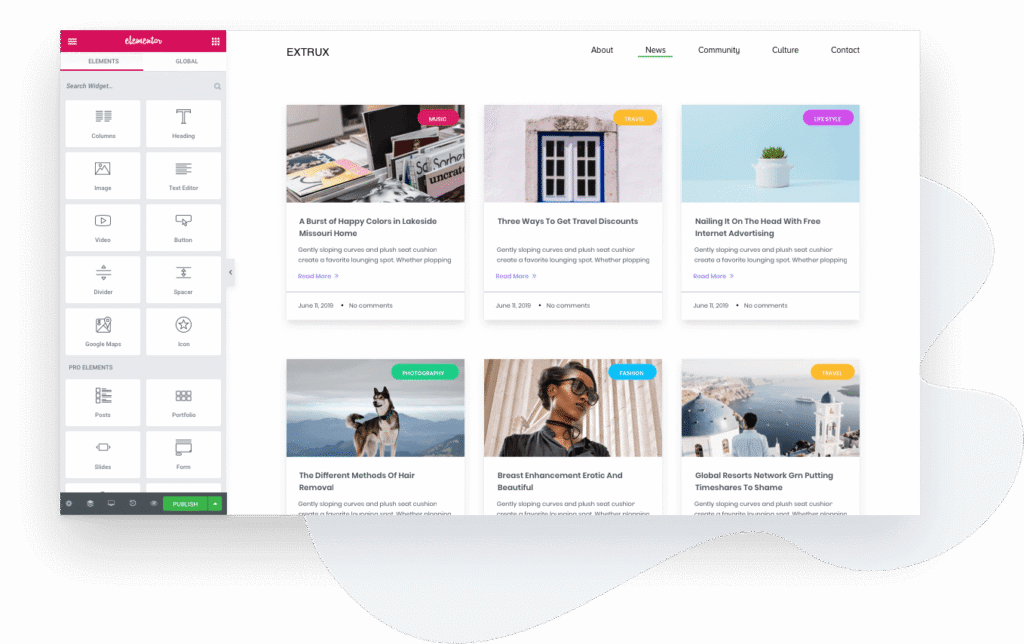
One of the most significant Pro-exclusive additions in the version 4 cycle is Atomic Forms. Rather than the traditional single-widget form configuration found in version 3, Atomic Forms take a modular approach where each form element — Labels, Inputs, Textareas, Submit Buttons, and now in v4.1.0, Radio Buttons, Select dropdowns, Date Pickers, Time Pickers, and File Upload fields — is an independent element that can be placed, styled, and configured individually.
Version 4.1.0 expanded the Atomic Form element library substantially. The addition of Radio Buttons and Select elements gives designers fine-grained control over choice-based inputs. Date Pickers and Time Pickers make it straightforward to build booking forms, event registrations, and appointment schedulers without relying on third-party plugins. The File Upload element opens up document submission, portfolio upload, and media collection use cases.
Beyond the individual elements, v4.1.0 also introduced support for dynamic field mentions in email content, meaning that form submission notification emails can include the actual values submitted by users, referenced inline within the email body. Webhook URL support was added as well, making it possible to connect form submissions to external services and automation platforms such as Zapier or Make without a dedicated integration plugin.
The Connected Input ID control was updated to a Select control, improving the usability of accessibility-oriented field labeling. Additionally, Atomic Forms can now be dragged into containers and child containers, resolving a previous limitation that restricted their placement within complex layout structures.
Interactions and Motion Design
Elementor Pro’s motion design capabilities received a major upgrade with the introduction of Interactions in version 4.0. Where earlier versions offered entrance animations tied to scroll position in a relatively basic way, Interactions introduces a proper trigger system that responds to real user behavior. Triggers include page load, scroll into view, hover, and click events, giving designers the ability to create reactive experiences where elements transform dynamically as visitors engage with the page.
Version 4.1.0 extended this system with Start and End grid line controls for the “While Scrolling” effect, allowing designers to precisely synchronize animations with specific scroll positions relative to the viewport or the page as a whole. This level of scroll-linked control makes it possible to build sophisticated parallax sequences and scroll-driven reveals without any custom JavaScript.
The Custom Effect control within Interactions provides deep precision over how elements move, letting designers define exact values for scale, position, rotation, and skew. Interactions also include dedicated breakpoint controls, so complex motion effects designed for desktop can be simplified or disabled entirely on mobile without creating separate page versions.
Components
Components are a Pro-exclusive feature that enables designers to create reusable layout building blocks that update everywhere they appear across a site. When a Component is edited, every instance of it reflects the changes immediately, functioning similarly to symbols in traditional design tools or shared blocks in modern CMS platforms.
Components in Elementor Pro support controlled content editing, which means collaborators and clients can update only the exposed content properties — such as a headline, image, or button label — without the ability to break the underlying layout or styling. This is particularly valuable for agencies managing client sites where content ownership is shared but design integrity must be maintained.
Version 4.0 made Component creation available to Pro users, and v4.0.1 resolved important issues around exposed text properties appearing empty in existing Components and the inability to publish Components with overridable properties.
Theme Builder
Elementor Pro’s Theme Builder allows designers to visually create every part of a WordPress site — headers, footers, single post templates, archive templates, and more — using the same drag-and-drop editing experience used for regular pages. This eliminates the need to work with PHP template files for most common customization tasks.
The Theme Builder integrates with Elementor’s Display Conditions system, which received an upgrade in version 3.34.0 to include support for Atomic Elements. Display Conditions determine where each custom template is rendered, allowing a custom header to appear only on product pages, or a custom footer to be restricted to the blog section of a site. Version 4.0.4 fixed an issue where Flexbox and Div Block elements were not working correctly with display conditions, bringing full Atomic Editor compatibility to conditional template logic.
Dynamic Tags and Custom Fields
Dynamic Tags allow elements in the Elementor editor to pull content from WordPress data sources at render time. In version 4 of Elementor Pro, Dynamic Tag support was progressively extended throughout the 3.33 and 3.34 releases to cover the Atomic Editor. ACF fields, Post Excerpt, Post Terms, Internal URLs, Shortcodes, and more were all brought into the Dynamic Tags system for Atomic Elements.
In version 3.35.0, the color picker was extended to support ACF fields in Editor V4, enabling truly dynamic color assignment based on custom field values. This makes it possible to build design-aware dynamic templates where brand colors, background values, or text treatments are driven entirely by the content layer.
Performance and Technical Improvements
Optimized CSS Loading
Version 4.1.0 included a fix for custom styles being lost for Atomic elements used in loops, addressing a reliability concern that affected Loop Grid templates with Atomic Elements. The Loop Grid itself received improvements to how CSS is structured for loop items, reducing redundant stylesheet generation and improving load times for pages with multiple dynamic content sections.
Ribbon styles for the Call to Action and Price Table widgets are now loaded conditionally, meaning they only appear in the page’s stylesheet when those widgets are actually used. This reduces unnecessary CSS payload for pages that do not include these specific widgets.
WordPress Compatibility
Version 4.1.0 updated the minimum required WordPress version to 6.8, aligning Elementor Pro’s dependency requirements with the current WordPress release trajectory. This change ensures that users are running a sufficiently modern WordPress environment to take advantage of all the performance and security improvements that underpin the version 4 feature set.
Security and Stability
Security has been a consistent focus across the version 4 release cycle. Earlier versions addressed security weaknesses in Dynamic Tags and improved code security enforcement in the Countdown widget. The Form widget received Akismet Integration for enhanced spam protection, and improved output escaping was added to the Taxonomy Filter widget.
For administrators, the Element Manager received Permissions functionality, giving teams enhanced control over which users or roles can access and manage specific element types. The Elementor admin interface was also unified in version 3.34.1, consolidating the management, optimization, and configuration of Elementor capabilities into a single WordPress admin location.
Website Templates and Import/Export
Elementor Pro’s Website Templates system was expanded with granular content selection for import and export workflows. Users can now select specific pages, menus, post types, and taxonomies when importing or exporting a site template, rather than being forced to work with the entire site structure. Media save to cloud was introduced in version 3.33.0, enabling users to store media assets from Website Templates directly in the cloud for easier access and reuse across projects.
Elementor Pro v4.1.1 may be a patch release, but it arrives at a pivotal moment in the product’s evolution. The version 4 architecture has fundamentally changed what is possible with visual WordPress design — from Atomic Forms that treat every field as an independently composable element, to Interactions that create genuine reactive motion without code, to a design system built around Variables and Classes that scales gracefully from small sites to large enterprise builds. The fixes in v4.1.1 ensure that the Search, Lottie, and Taxonomy Filter workflows that designers depend on every day function correctly across all devices and user states. For anyone building modern WordPress sites, staying current with the Elementor Pro version 4 release cycle is not optional — it is the foundation on which the most capable, performant, and maintainable websites are now built.